I’ve been using Claude Skills for a few months now, and every time I use them, I am continually blown away by the value they provide and the simplicity it takes to set them up.
It is the ultimate code refactoring dream where you finish building something, and then you make it into something generic.
Recently, I had to comb through some PowerApps solutions to identify what existed in the solution – for this effort, I was focusing on table/scheme (i.e., a data dictionary) and processing (workflows).
Get-Pa-Structure
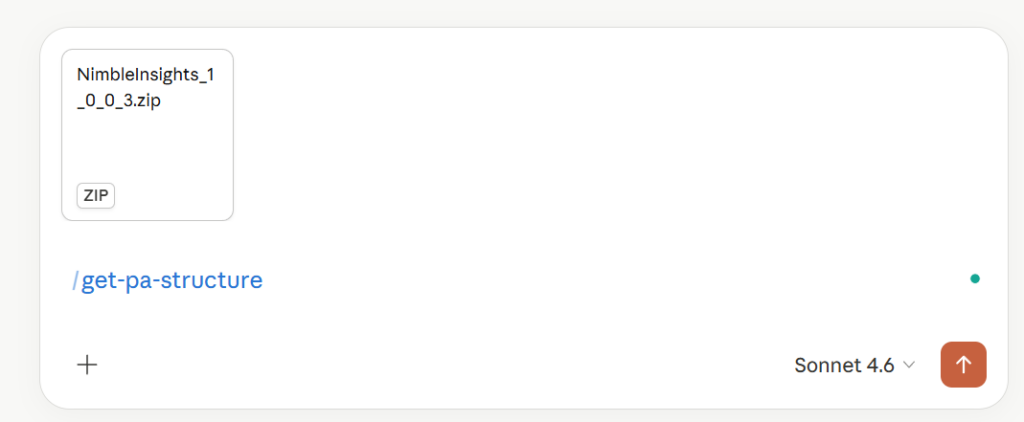
The first skill takes an uploaded solution, analyzes the table structure, makes suggestions for table and field descriptions, and then generates an amazing data dictionary.
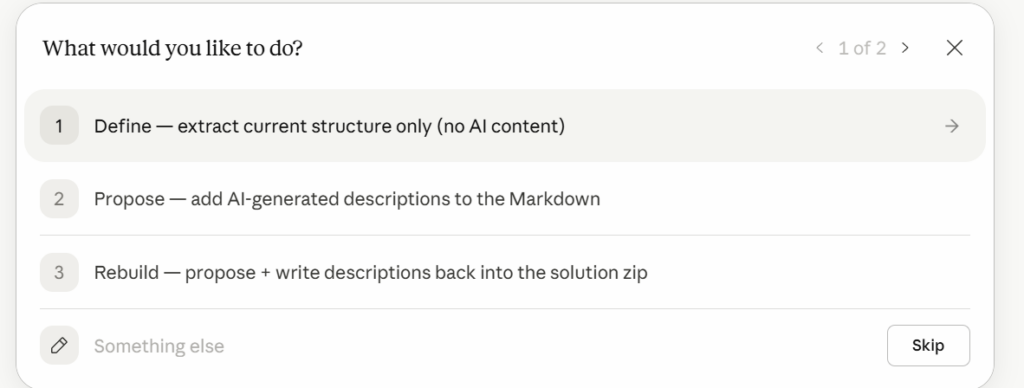
When triggered, the skill prompts you with a few questions to understand what you want as final outputs.
- Define – tell you what is in the solution.
- Propose – make suggestions based on what it sees in the schema that you can review.
- Rebuild – updates the solution with your updated field descriptions.
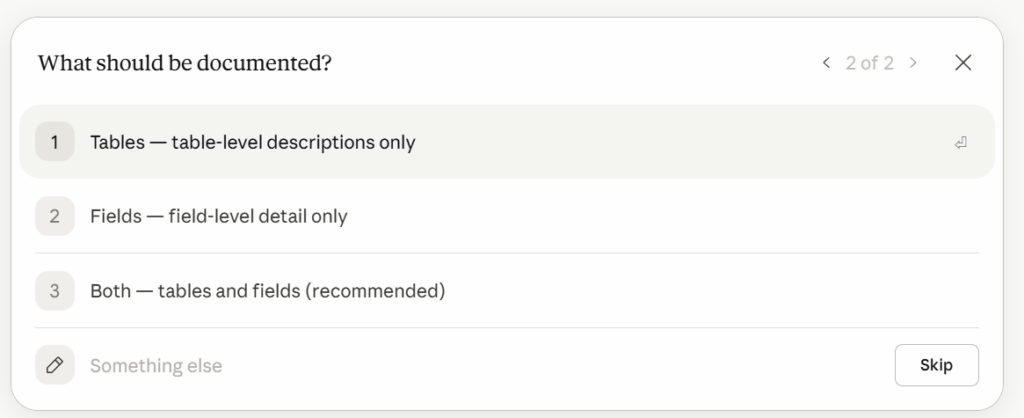
As part of this, I even added an option of whether it should stick to tables and/or fields in building out the content.
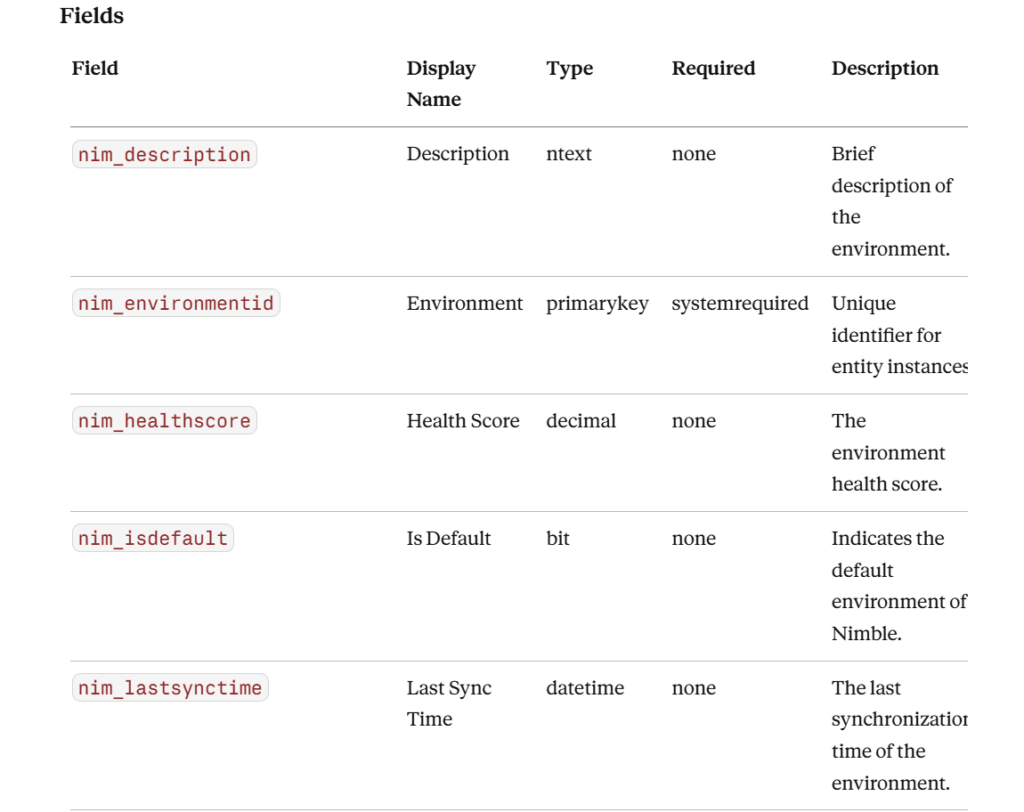
The Results
What you get back is well document data dictionary that outlines everything you need on the schema of your solution, allowing you to get up to speed with what has been constructed and what needs to be addressed in the schema.
After writing this, I realized I made a mistake in creating the skill and forgot to allow a prompt to the user to let them choose between core, custom, or both styles of entities.
The best part of all this is that I have a solution that has been updated, which I can easily download and re-upload, fully configured and ready to go.