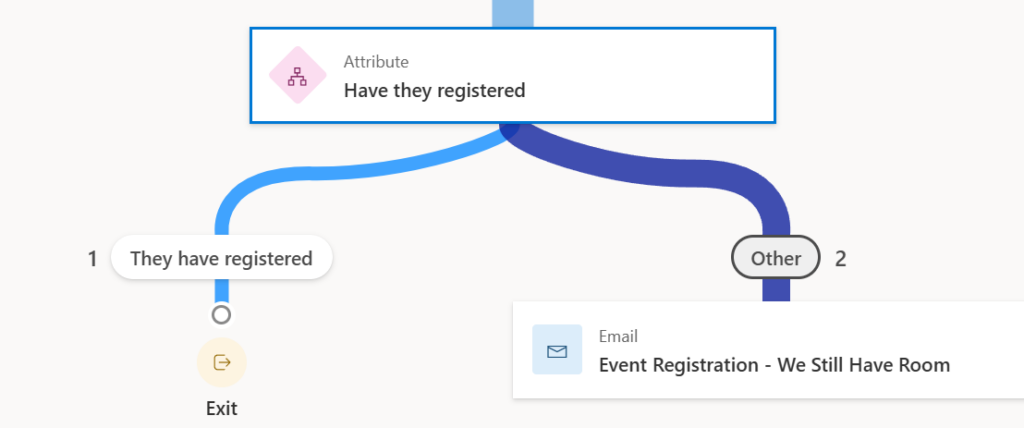
There are two types of journeys in Customer Insights – Segments and Triggers. Segment Journeys are based on the distribution of an email/sms to a group of people. Triggered Journeys are based on an action (trigger) that happens in your system.
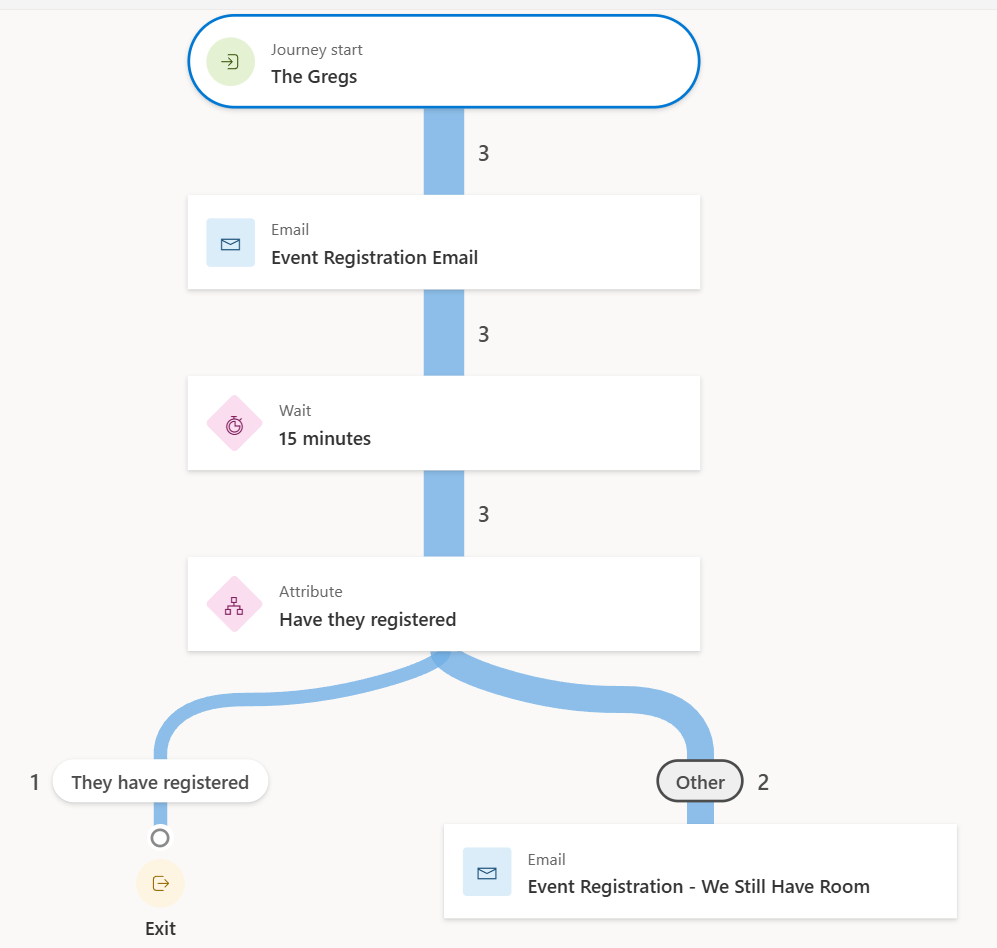
When constructing a segment journey, it’s very easy to go beyond the initial “Send Email” action and build in some real sophistication to your system. The following journey uses many of the built-in components of the segment journey to send an email, wait for a response, determine whether the user has taken an action, and then send a follow-up.
Waiting for “Something”
The key point to this journey is the “Wait” action; this is the moment where the journey will wait (after sending out the initial email) before doing anything else. The Wait action can be minutes, hours, days, or weeks.
Once the wait period has expired, you can then continue on with the rest of your evaluation of what you want to do next. In my case, I wanted to check and see if the user had registered for a particular event.
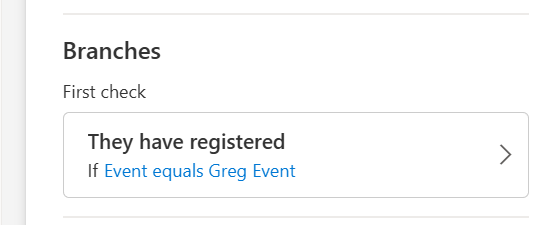
Depending on the output of that branch, I then created a branch where I would send out another email, reminding the user that they can still register for an event.
Customer Insights makes it very easy to see how your branch has evaluated when it is being processed and lets you identify the exact users who have registered at this point in your journey.