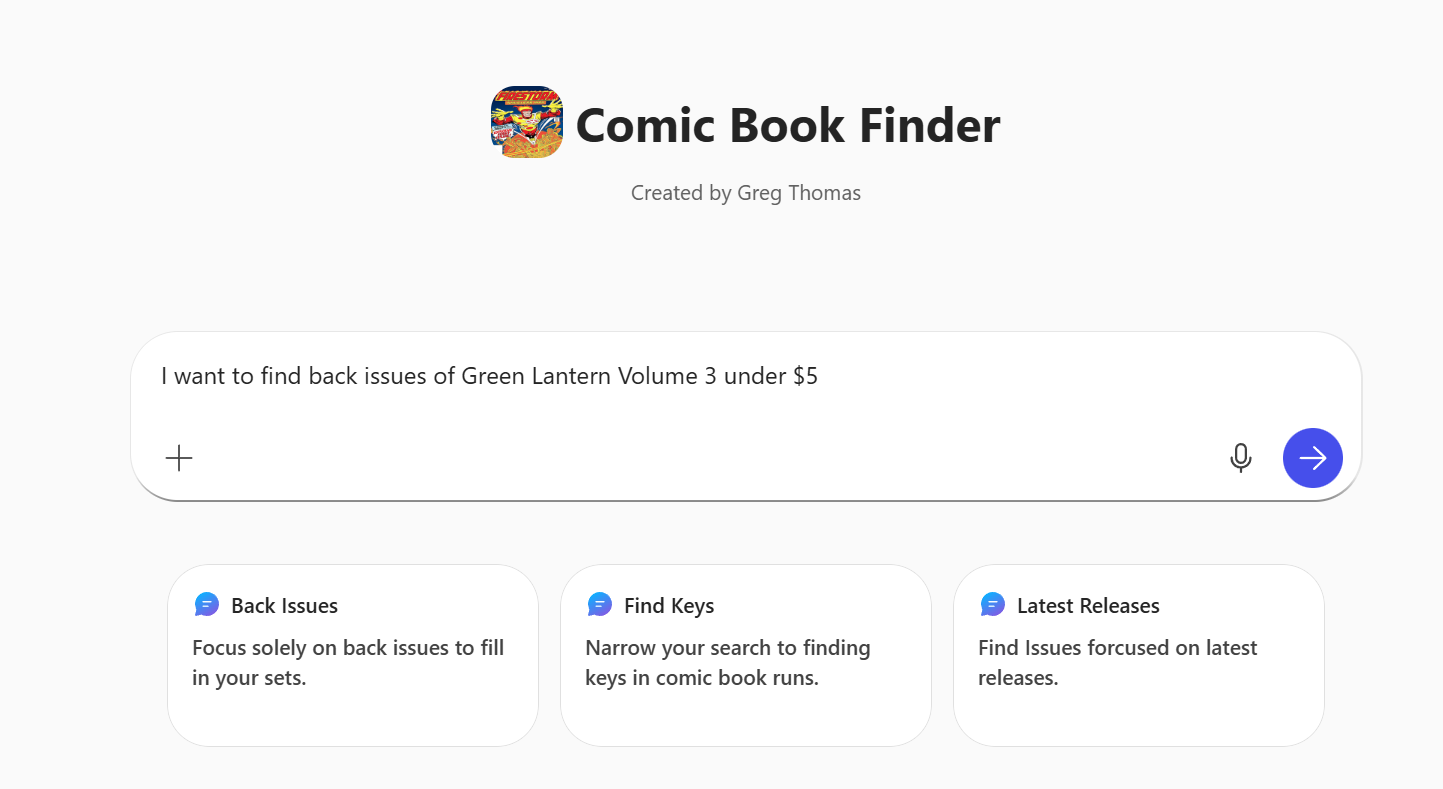
Building your first copilot sounds tricky, but it’s not (or rather, it depends). If you are starting off with “Office Copilot” as I call it, this is where you log into www.office.com, and you click “New Agent” and/or you can browse some additional agents. The more advanced Copilot, which requires “Copilot Studio,” is much more involved and allows you to do a few more integrations and automations to make it work correctly.
There are a number of things to think about when building a simple copilot, so I’ll be starting with getting your Agent up and running, and then we’ll work to refine our Comic Agent.
Let’s start simple, with our Office Copilot. Here is your basic screen to get started.
Here, I’m going to build a “Comic Book Copilot” because that’s what I like and I want some help finding cheap issues.
Instructions
Here are the base instructions I gave my agent;
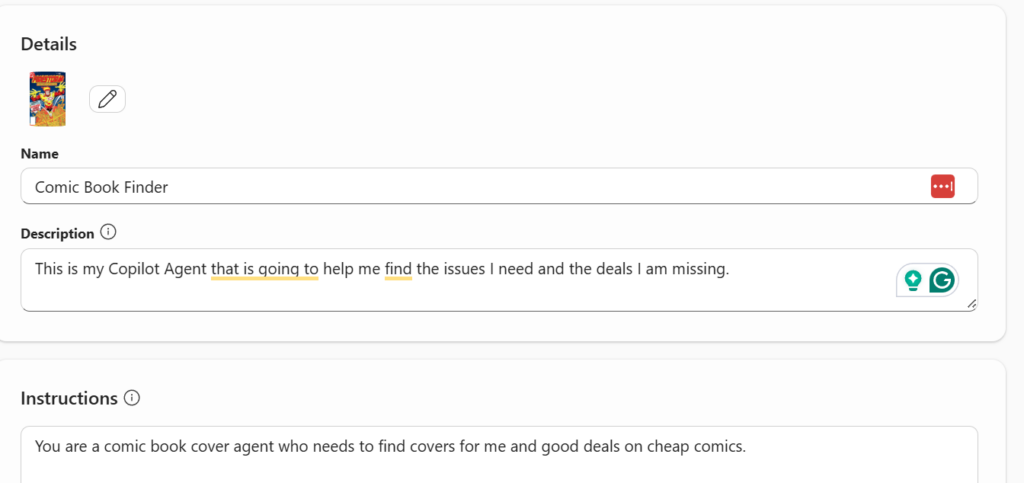
“You are a comic book cover agent who needs to find covers for me and good deals on cheap comics.”
Knowledge
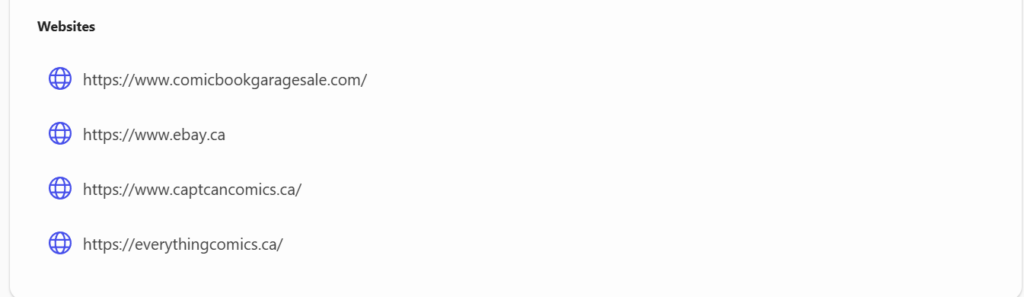
Next, you want to give your copilot some knowledge to sift through. Now, unfortunately, you only point your copilot to SharePoint, OneDrive, Teams, 4 websites or the whole entire web. It’s okay, but give me some Dataverse (which is in Copilot Studio), but I strongly believe it should be at this level if you are putting OneDrive and SharePoint here.
Dataverse = Adoption.

I went to four sites I know from my travels in searching for the best deals.
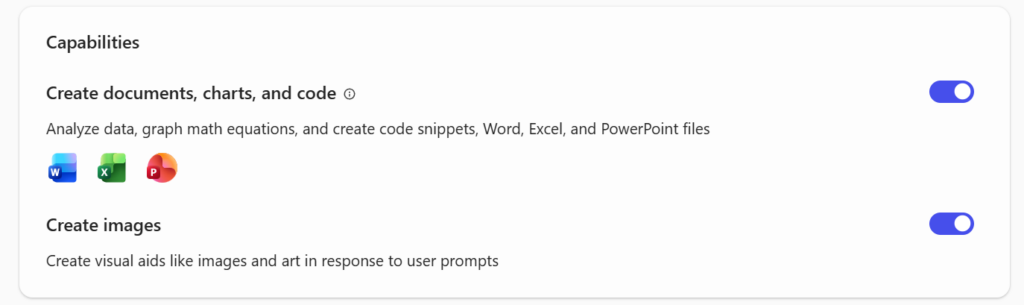
Capabilities
As someone who is constantly searching for information, I want to be able to track what I’m doing, so I’m “hoping” that enabling Excel functionality and Images is going to help us along the way.
Suggested Prompts
The last section is suggested prompts, which are ways of starting off the conversation. I’m starting off with these three prompts, which break up how I would generally search to find these issues.
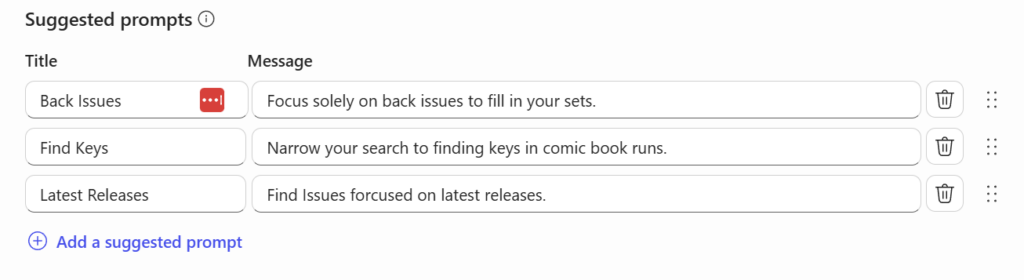
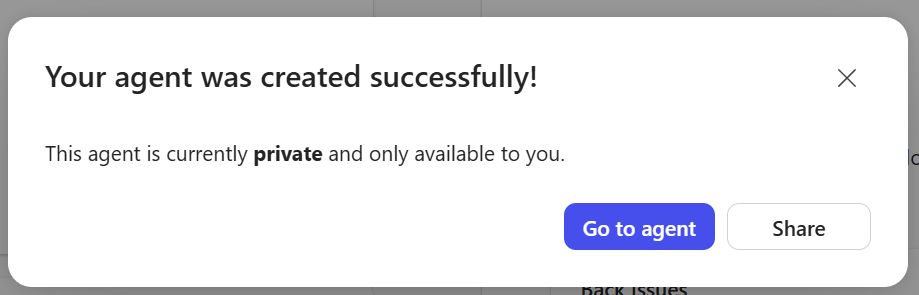
And we are done, let’s create our agent and get this working. To do this, you will click “Create” in the top right corner of your screen. When you have done this, and your agent has been created, you will see the message below.
Testing It Out
With all the 15 minutes of time I invested here, this agent should be ready to get out there and take over the world, so let’s see what it does.
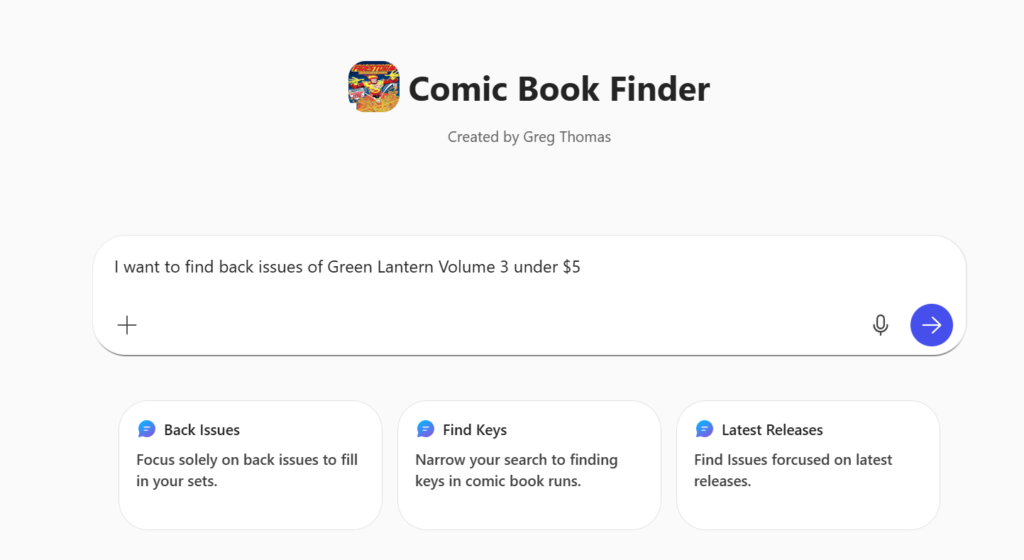
Here were the initial results, not the mind-blowing first steps I wanted, as it didn’t really go out and do the thing I wanted it to in the first round.
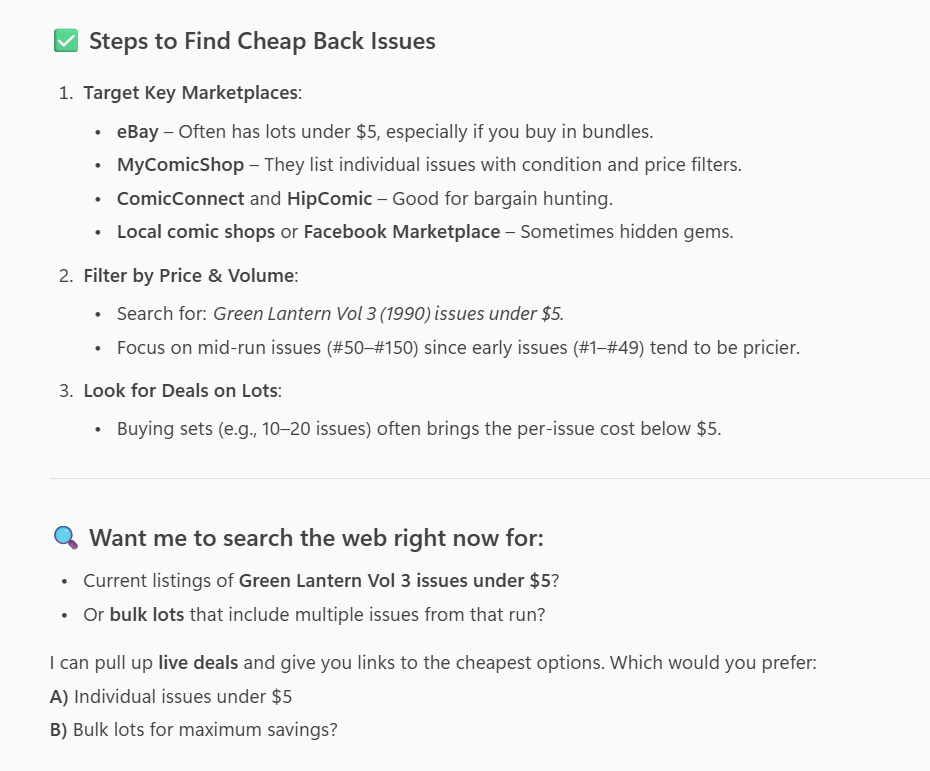
After another conversation, I wasn’t quite getting where I needed to be and it was going to take a few more kicks at the can to get there.
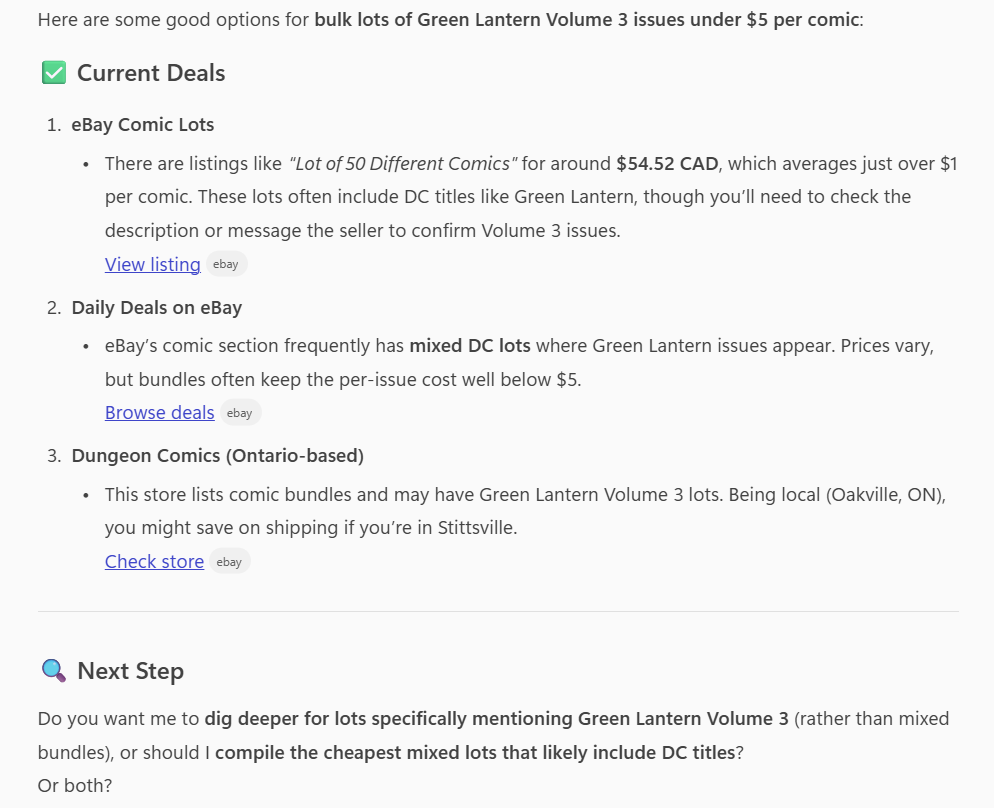
If you’re thinking, “Wow – not as useful as I thought”, this is the first step in building a well-defined copilot, which is – giving it good instructions, right now, they are very, very open-ended.
We created a copilot, but they need more direction.