I can’t believe I didn’t know this after all the many years I have worked with Dynamics I had never used this feature, but this made my holidays.
It’s a well-known fact in Dynamics that everyone always wants record counts, but it’s a pain to always find them. Well, lo and behold, there is an actual method that lets you find them not in minutes but in sheer seconds.
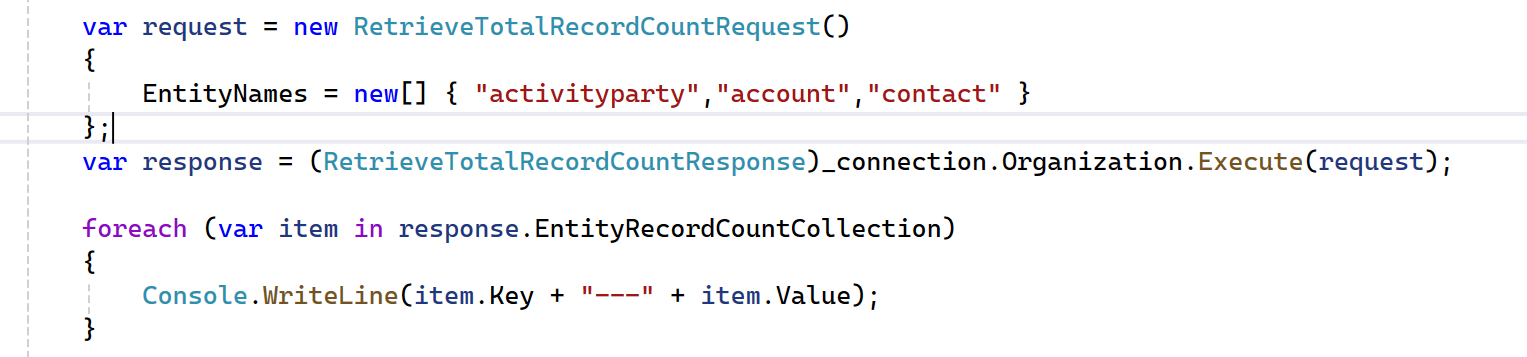
        var request = new RetrieveTotalRecordCountRequest()
        {
            EntityNames = new[] { "activityparty","account","contact" }
        };
        var response = (RetrieveTotalRecordCountResponse)_connection.Organization.Execute(request);

        foreach (var item in response.EntityRecordCountCollection)
        {
            Console.WriteLine(item.Key + "---" + item.Value);
        }
And that glorious code, when executed, returned all my records (both inactive and active).
activityparty —> 8,252,065
account —> 8,918
contact —> 361,278
If you have a system that is doing soft deletes, this might not be too useful, but if you are working with a system that is transferring all records to another back-end, this is a great way to get total counts in seconds.