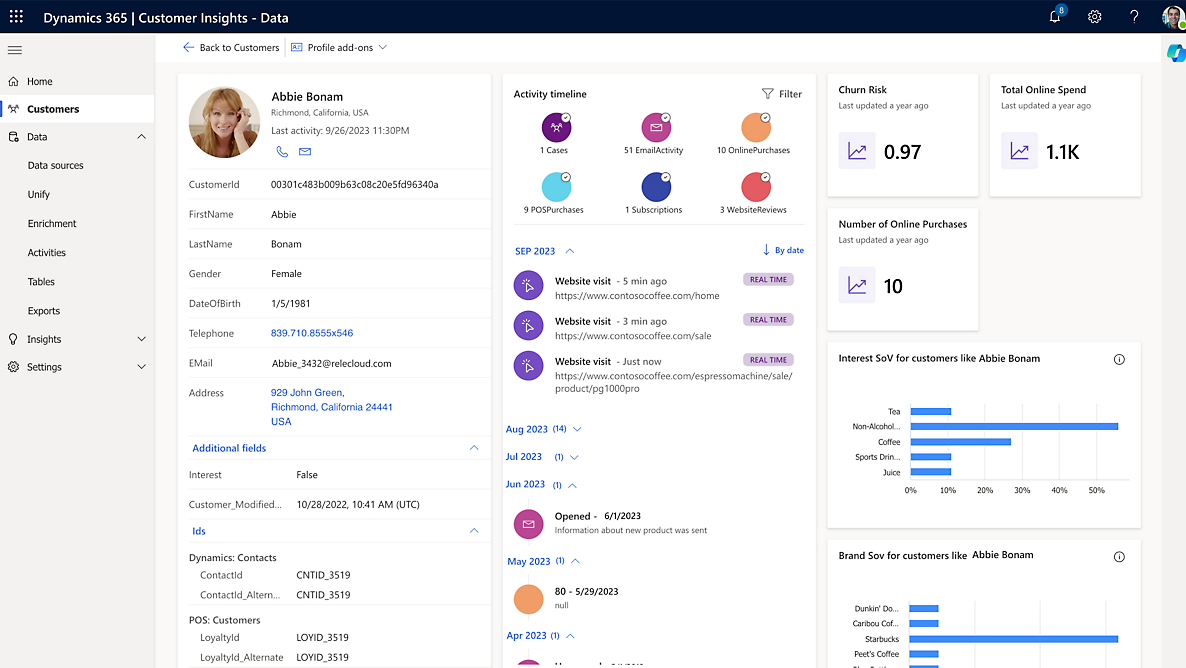
In Customer Insights (Real-Time Marketing), you have 3 options when creating a compliance profile, the first two involve using built-in …
Category: PowerApps

PowerApps Solution Architecture: The Summary
Over the past few posts, we’ve discussed several different architecture options for designing and maintaining PowerApps Solutions. The All-In-One Solution …
PowerApps Solution Architecture: The Team Solution
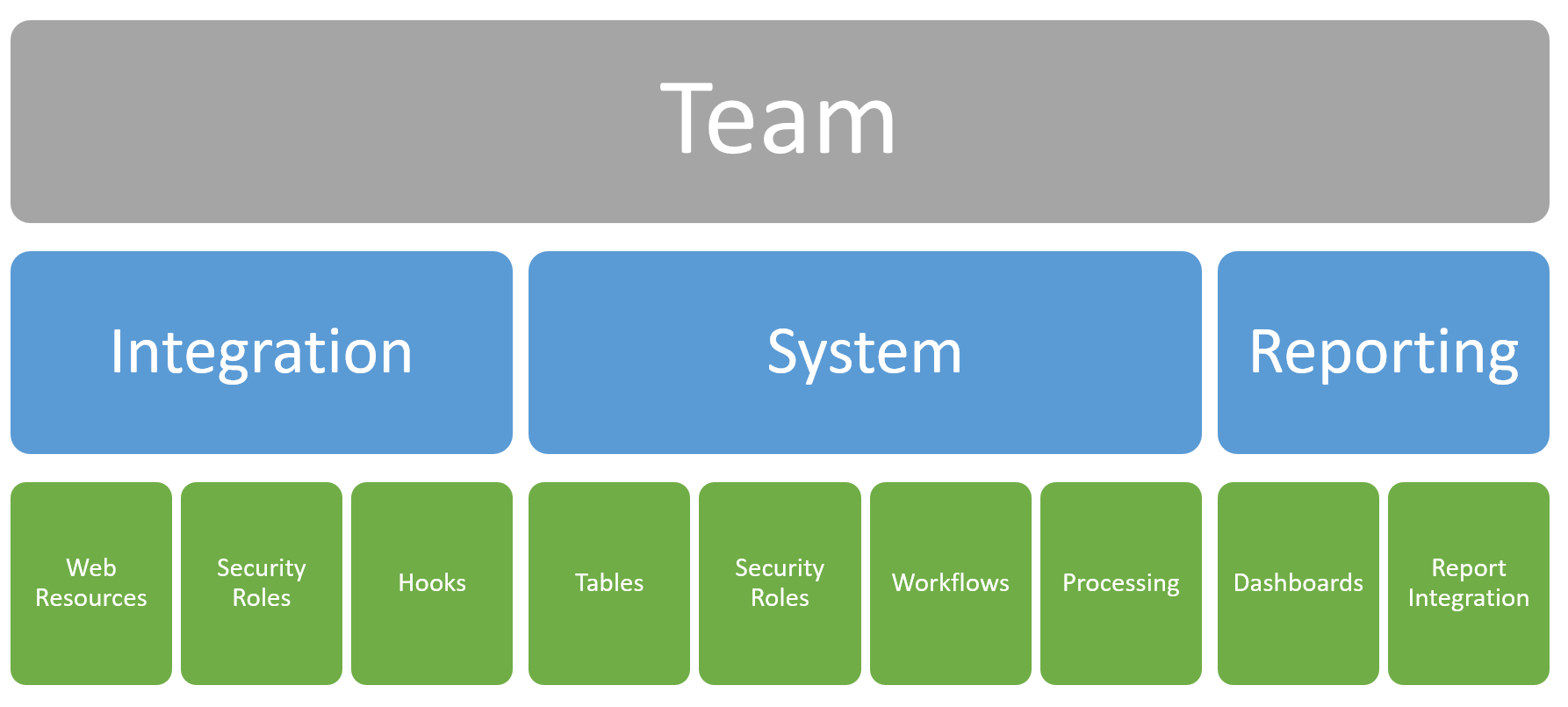
The last solution architecture we are going to look at is very similar to the Feature Solution Architecture but instead …

Updating Records with Azure APIM to Dataverse
Now that we can add records to the Dataverse, the next logical step is to update those existing records. In …

PowerApps Solution Architecture: The Feature Solution
We’ve looked at the All-In-One and Component Solution Architectures and now we’re going to talk about the Feature Solution model. …
Read MorePowerApps Solution Architecture: The Feature Solution
Adding Records with Azure APIM To Dataverse
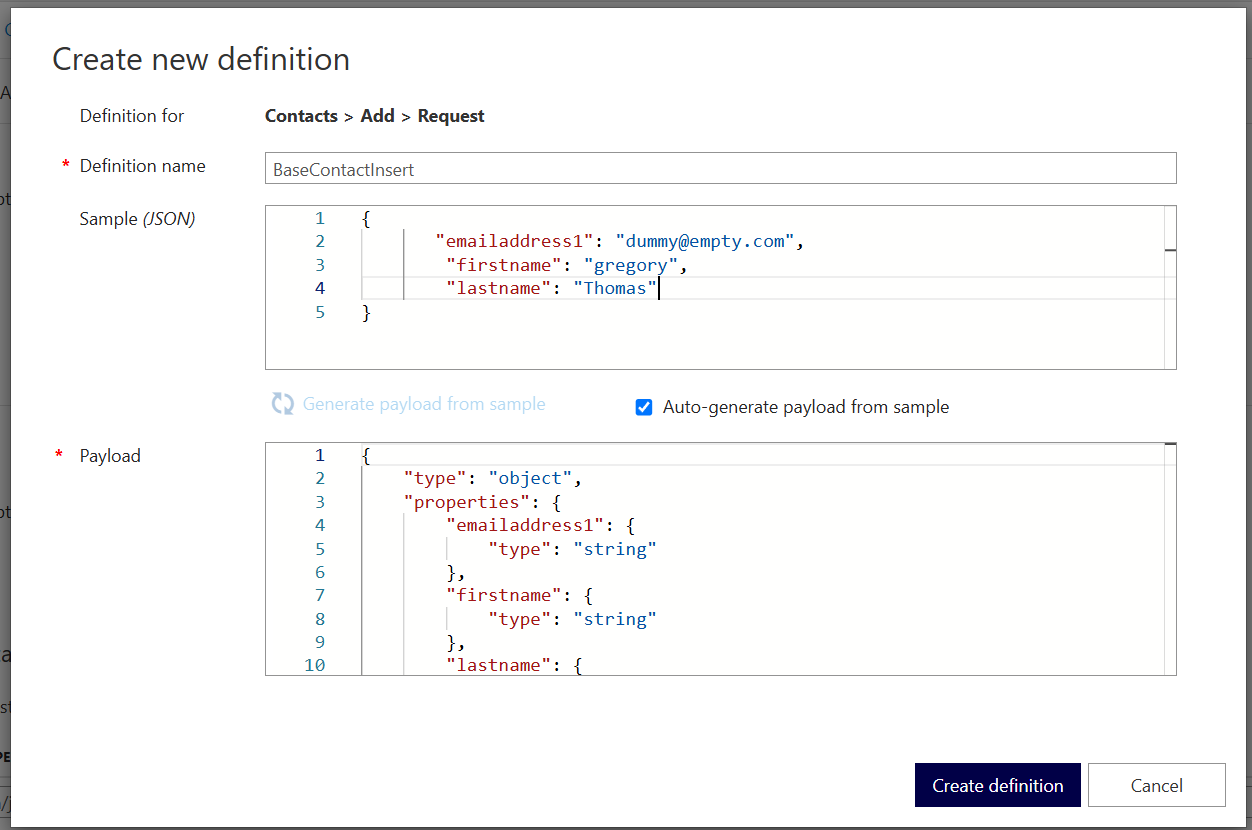
Azure APIM is great for creating a simplistic interface for your users to get data but you can also achieve …

Integrating the Customer Insights Communications Tab
When using Customer Insights, there is a very insightful tab that provides information on your level of consent (what communications …
Read MoreIntegrating the Customer Insights Communications Tab
PowerApps Solution Architecture: The Component Solution
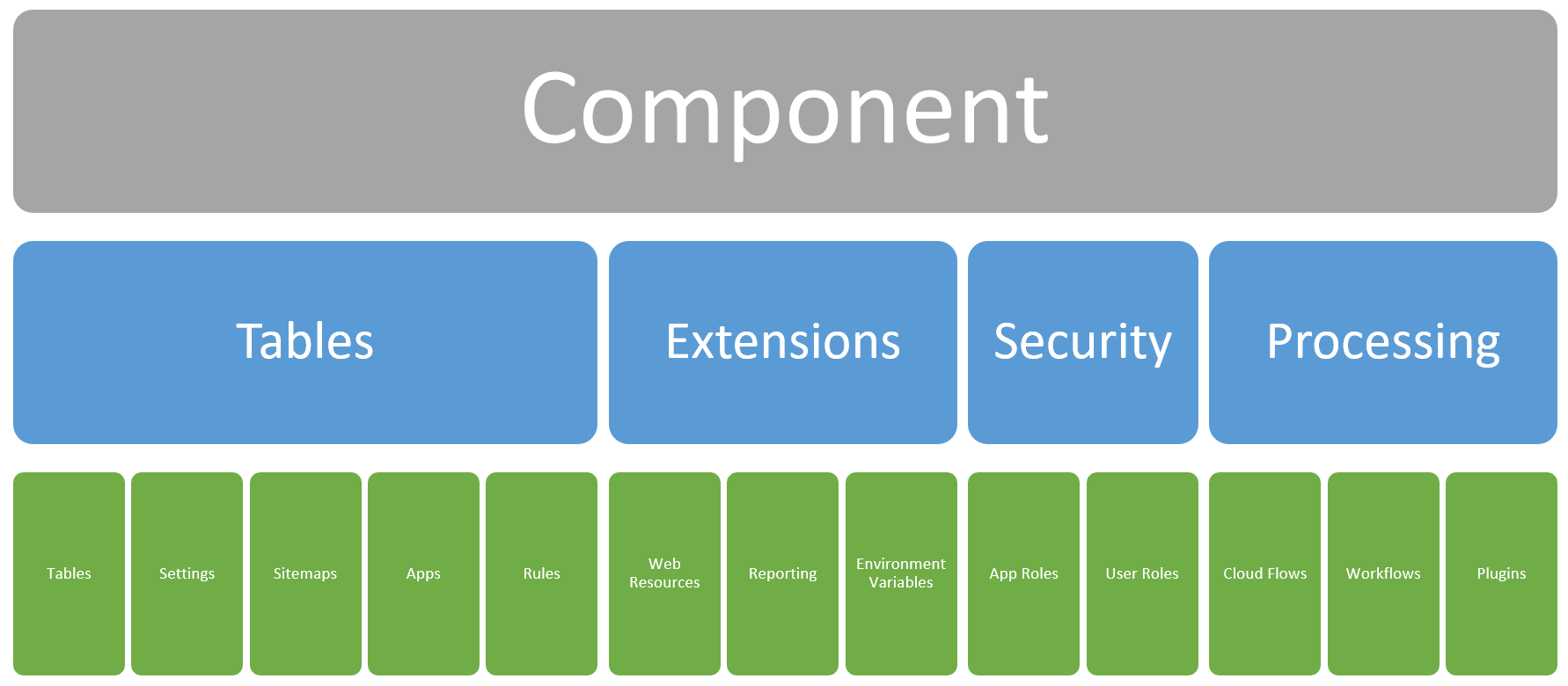
Continuing from our previous post on Solution Architecture in PowerApps, we’re going to move forward into the Component Solution model. …
Read MorePowerApps Solution Architecture: The Component Solution
Managing Distributed PowerApps Development Teams
That title is quite a mouthful, and I did try to collapse it into a few succinct statements but couldn’t …
Filtering Data with APIM and Dataverse
In our previous post on setting up Dynamics/Dataverse to connect with Azure APIM, we looked at how to get data …