Over the years, I’ve used the Compose Action to do some pretty basic stuff, thinking, “that’s all it was meant for”, but recently I wanted to do a flow that implemented some scorecard-like functionality that evaluated some metrics and applied a score to a record in our Dataverse that the system could then evaluate.
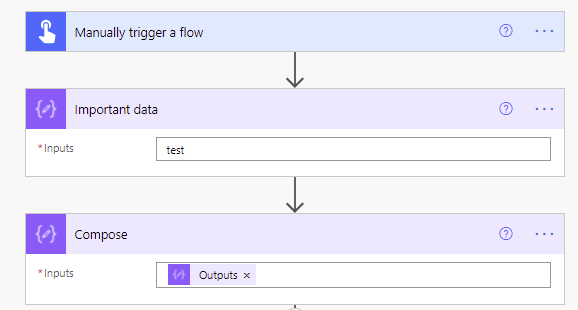
Here is the definition of the Compose function (as written by Google Gemini);
The Compose action in Power Automate is a core data operation used to store a single, temporary value or the result of an expression, making data management simpler and flows more readable and efficient.
Here, I created a compose function that ran in a loop of all my records and did some math with some extended code.
add(
  add(
    add(
      if(empty(items('Get_All_Records')?['sub_title']), 10, 0),
      if(empty(items('Get_All_Records')?['sub_startdate']), 10, 0)
    ),
    if(empty(items('Get_All_Records')?['sub_enddate']), 5, 0)
  ),
  if(empty(items('Get_All_Records')?['sub_description']), 5, 0)
)
Which in my Power Automate Flow looked like this;

Which I later pulled into a variable referencing the output of this original
sub(
  sub(
    sub(100, min(variables('TotalImpact'), 100)),
    outputs('SetupPenalties')
  ),
  min(variables('ActionImpact'), 30)
)
Thinking back to some flows where I was simply using “Compose” to log out what was happening, is the same feeling you get when you realize there is a better way to do what you have been doing all these years, and you start to think back to how you could have simplified your code and how glorious it might have been.