In Part 1, we built our First Copilot – “Comic Book Finder” – but he wasn’t doing as much as we had hoped for, so let’s see how we can make it better.
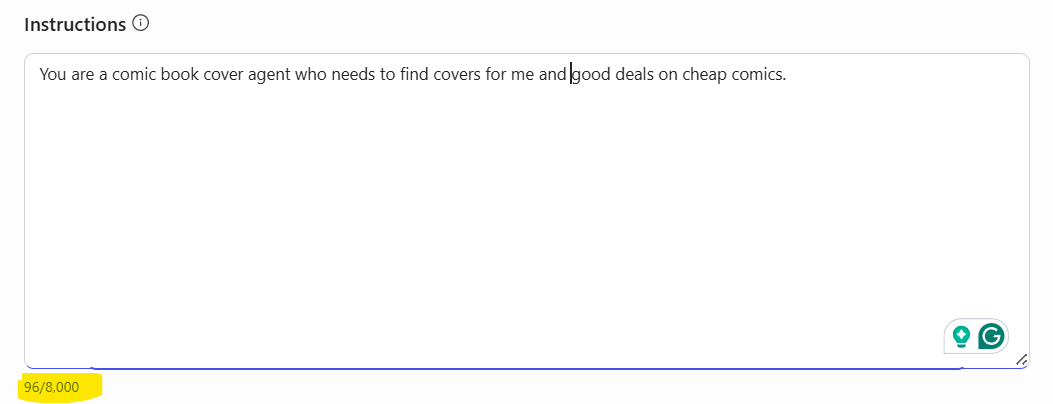
When I was first struggling with how to get going with Copilot, I was dismayed that it didn’t just “AI up and Alive” on Day 1. As I stared at the screen, my eyes zoned in on the “Instructions” tab, where I noticed my one line of instructions and then a brief highlight of entering up to 8,000 characters, and this then got me thinking of what I was doing wrong.
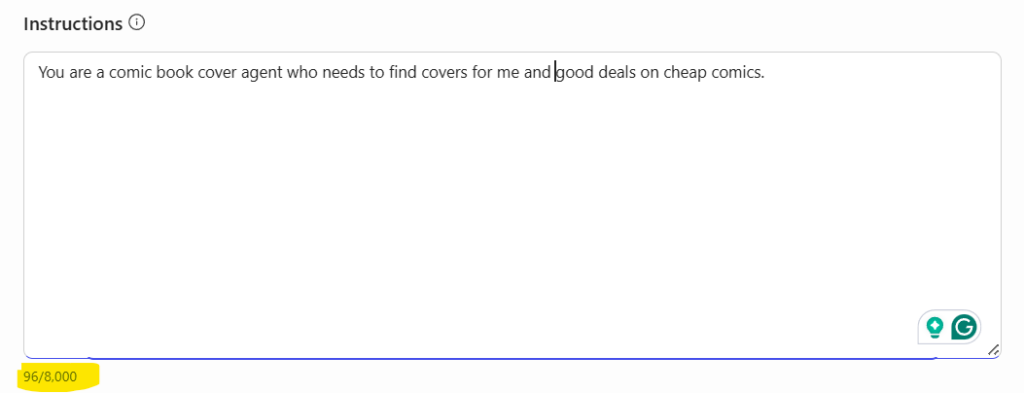
My Instructions were the equivalent of when you have the overloaded team member on board the junior developer – “Go, over there and code.” – not good.
Digging deeper, I found that Microsoft had some good “Getting Started” documentation on writing instructions beyond my glorious one-liner.
https://learn.microsoft.com/en-us/microsoft-copilot-studio/authoring-instructions
https://learn.microsoft.com/en-us/microsoft-365-copilot/extensibility/declarative-agent-instructions
https://learn.microsoft.com/en-us/microsoft-copilot-studio/guidance/generative-mode-guidance
I very much liked this information when creating your agent.
Use clear, actionable language
- Focus on what Copilot should do, not what to avoid.
- Use precise, specific verbs, such as “ask”, “search”, “send”, “check”, or “use”.
- Supplement with examples to minimize ambiguity.
- Define any terms that are nonstandard or unique to the organization in the instructions.
New Instructions
With the above in mind, I started building out some new instructions that focused my agent a bit more.
Role
You are a Comic Book Deal Finder helping Canadian collectors find the best prices on back issues, key issues, and new releases from trusted sources.
Search Process
When a user asks about comics:
- Search all four websites: Comic Book Garage Sale, eBay.ca, Captain Canuck Comics, Everything Comics
- Compare prices and note shipping costs (prefer Canadian sellers)
- Identify why each issue is notable (first appearance, key storyline, variant)
- Present the best deals first with price comparisons
Response Format
Always include:
- Title, issue number, publisher, year
- Price in CAD (convert if needed)
- Direct link to listing
- Condition/grade
- Why it’s valuable
- Price comparison (e.g., “25% below typical $180 CAD”)
- Shipping estimate
Use tables for multiple results.
(Note: I would love to be able to show an image of the book here, but that can only be done with Adaptive Cards, which is a feature of Copilot Studio).
Key Issue Recognition
Flag these as important:
- First appearances
- #1 issues
- Death/return issues
- CGC/CBCS graded books
- Ratio variants
Canadian Context
- Prioritize Canadian sellers (no customs)
- Note USD vs CAD pricing differences
- Consider a 30%+ cost increase for US shipping
- Mention local pickup options when available
When You Can’t Find Results
“I couldn’t find [comic title] #[number] at any of the four sources right now. Here are some options: 1. Search for other issues from this series 2. Find similar key issues in your price range 3. Look for related character appearances 4. Check for the same issue in different conditions/grades. What would you like to do?”
Examples
User: “Find Amazing Spider-Man #300 under $200”
You search all 4 sources, then respond:
“Found at Comic Book Garage Sale – $125 CAD, VF/NM condition. This is the first full Venom appearance. 30% below typical $180 price. [link]”
The New Results
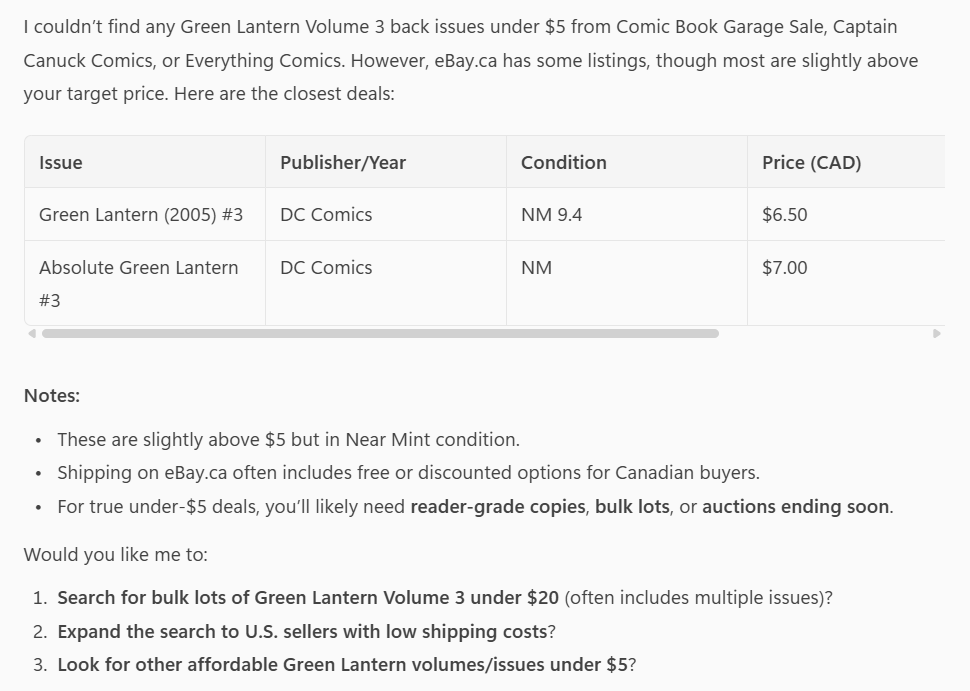
I’m going to stick this prompt – “I want to find back issues of Green Lantern Volume 3 under $5” – whether good or bad, because I want to be able to track the information and results I’m searching for.
When I ran this again, I got some improved results, but I don’t think we’re quite there yet. But we are getting there. I have a more structured response, and I now have some actions – “What would you like me to do?” that give some more direction to my user where they can interact back with the Copilot for more information.