I had a scenario a while ago, where we had a number of old Dynamics workflows running under a myriad of old and new users, which made deployment a mess and security as well (the security part being when you have so many users in the system, you’re needlessly granting permissions all over the place). At the end of the day, what I wanted to do was to realign all these workflows to run under a singular user that I could then manage from there.
The Problem
I looked around and couldn’t find a solution to what I needed to do, so I wrote some code with the XRM SDK to accomplish the task.
Keep in mind, I had to do close to 300 workflows, so I was not keen to do these one at a time, across multiple environments.
The first thing I did was make an unmanaged solution which would “contain” all of the flows I wanted to change (some already ran under different service principals, so I didn’t want to change those ones. Once I completed that, it was then a task of iterating over the workflow in the solution and updating its owner.
As complex as this probably could be, the end code solution was not.
The Code
The first piece of code was to get the name of the solution and the Guid of the owner I am changing the ownership to. I could have made the newOwnerId a lookup and gone through the systemusers table, but in this case I did not 🙂
public void TransferWorkflowOwnership(string solutionName, Guid newOwnerId)
{
// Get the solution ID first
QueryExpression solutionQuery = new QueryExpression("solution")
{
ColumnSet = new ColumnSet("solutionid"),
Criteria = new FilterExpression
{
Conditions =
{
new ConditionExpression("uniquename", ConditionOperator.Equal, solutionName)
}
}
};

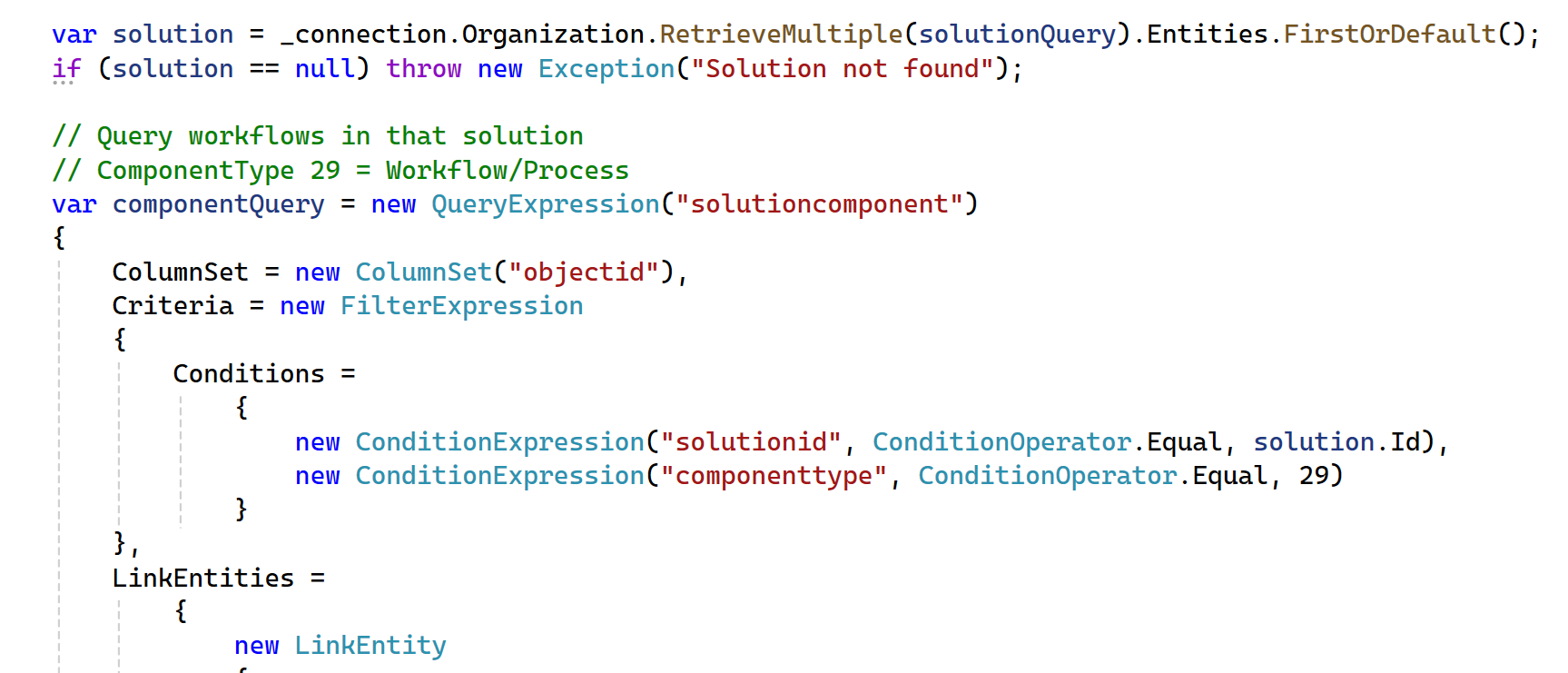
Here I retrieved my solution.
var solution = _connection.Organization.RetrieveMultiple(solutionQuery).Entities.FirstOrDefault();
if (solution == null) throw new Exception("Solution not found");
And this is the magic, where I only query for workflow processes to retrieve the list of workflows to update.
// Query workflows in that solution
// ComponentType 29 = Workflow/Process
var componentQuery = new QueryExpression("solutioncomponent")
{
ColumnSet = new ColumnSet("objectid"),
Criteria = new FilterExpression
{
Conditions =
{
new ConditionExpression("solutionid", ConditionOperator.Equal, solution.Id),
new ConditionExpression("componenttype", ConditionOperator.Equal, 29)
}
},
LinkEntities =
{
new LinkEntity
{
LinkFromEntityName = "solutioncomponent",
LinkFromAttributeName = "objectid",
LinkToEntityName = "workflow",
LinkToAttributeName = "workflowid",
Columns = new ColumnSet("workflowid", "name", "ownerid"),
EntityAlias = "wf"
}
}
};
var results = _connection.Organization.RetrieveMultiple(componentQuery);
Here is where you iterate over them and start to reassign them.
foreach (var component in results.Entities)
{
try
{
var workflowId = (Guid)((AliasedValue)component["wf.workflowid"]).Value;
string owner = ((EntityReference)((AliasedValue)component["wf.ownerid"]).Value).Name;
AliasedValue workflow = (AliasedValue)component["wf.name"];
Console.WriteLine(workflow.Value.ToString() + " - Current Owner: " + owner);
var assignRequest = new AssignRequest
{
Assignee = new EntityReference("systemuser", newOwnerId),
Target = new EntityReference("workflow", workflowId)
};
_connection.Organization.Execute(assignRequest);
}
catch (Exception ex) { Console.WriteLine(ex.ToString()); }
}}
And that is the code, when I then went to run, all my workflows were updated in minutes.