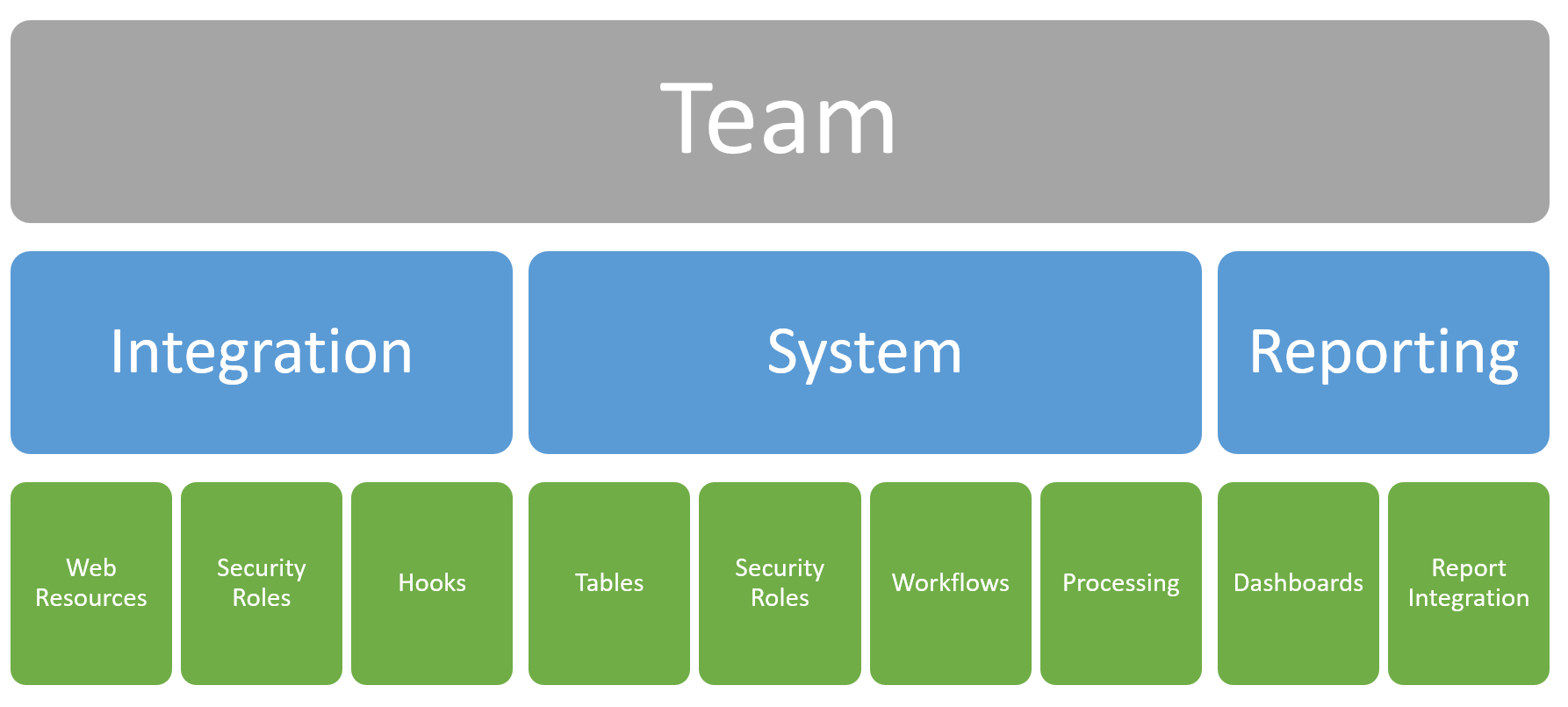
The last solution architecture we are going to look at is very similar to the Feature Solution Architecture but instead …
Year: 2025

Updating Records with Azure APIM to Dataverse
Now that we can add records to the Dataverse, the next logical step is to update those existing records. In …

PowerApps Solution Architecture: The Feature Solution
We’ve looked at the All-In-One and Component Solution Architectures and now we’re going to talk about the Feature Solution model. …
Read MorePowerApps Solution Architecture: The Feature Solution
Adding Records with Azure APIM To Dataverse
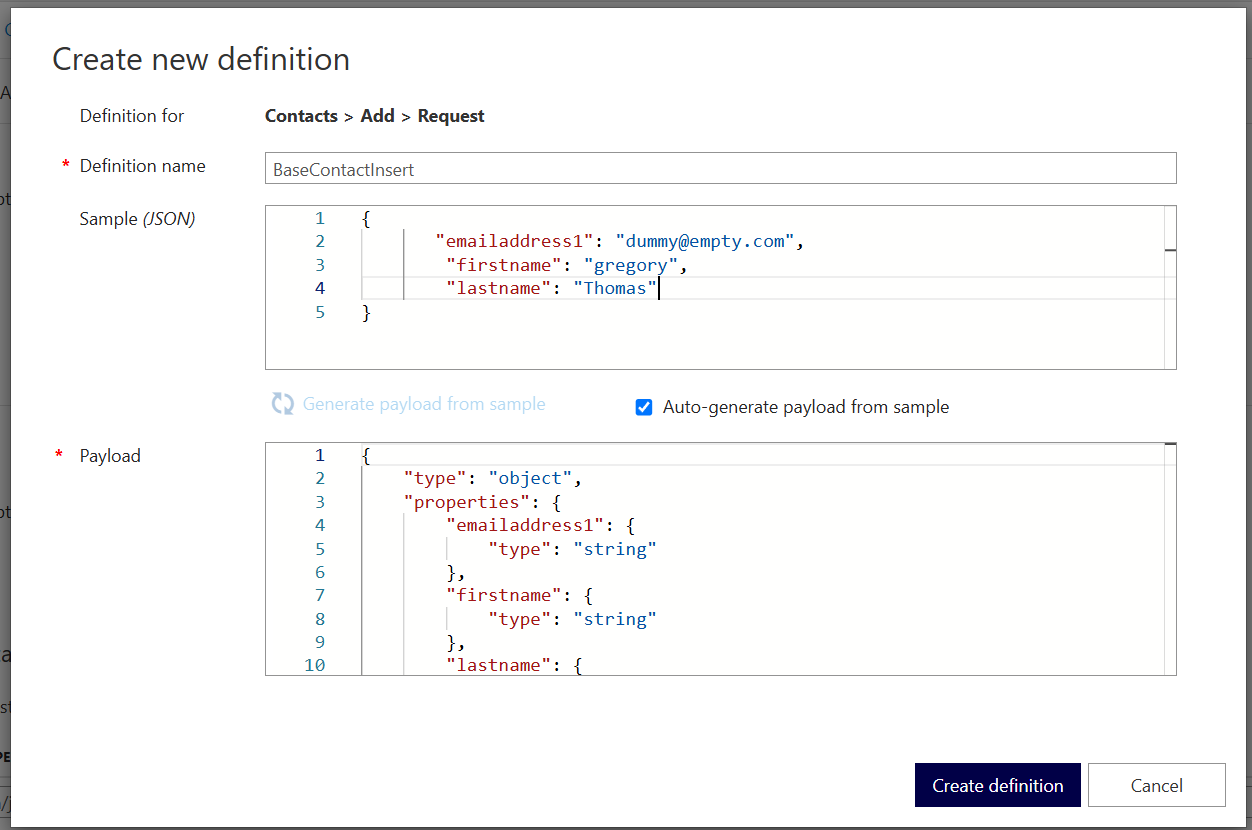
Azure APIM is great for creating a simplistic interface for your users to get data but you can also achieve …

Integrating the Customer Insights Communications Tab
When using Customer Insights, there is a very insightful tab that provides information on your level of consent (what communications …
Read MoreIntegrating the Customer Insights Communications Tab
Using Policy Fragments in Azure APIM
As you get further into APIM usage, your code will invariably become more and more complicated. It’s just the way …
PowerApps Solution Architecture: The Component Solution
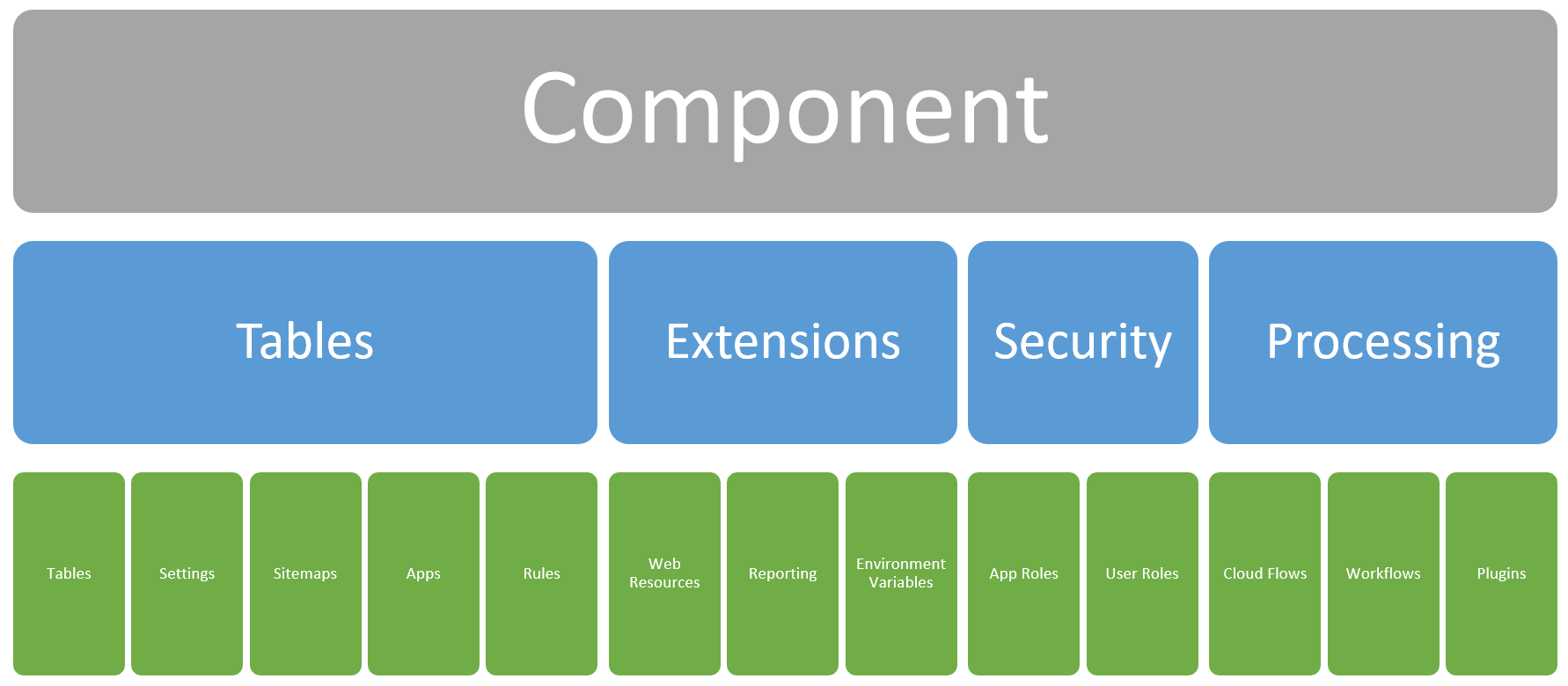
Continuing from our previous post on Solution Architecture in PowerApps, we’re going to move forward into the Component Solution model. …
Read MorePowerApps Solution Architecture: The Component Solution
Using Azure Key Vault with Azure APIM
On of the great things in Azure APIM is that you can use Named Values to store configuration values for …
Managing Distributed PowerApps Development Teams
That title is quite a mouthful, and I did try to collapse it into a few succinct statements but couldn’t …
Filtering Data with APIM and Dataverse
In our previous post on setting up Dynamics/Dataverse to connect with Azure APIM, we looked at how to get data …